
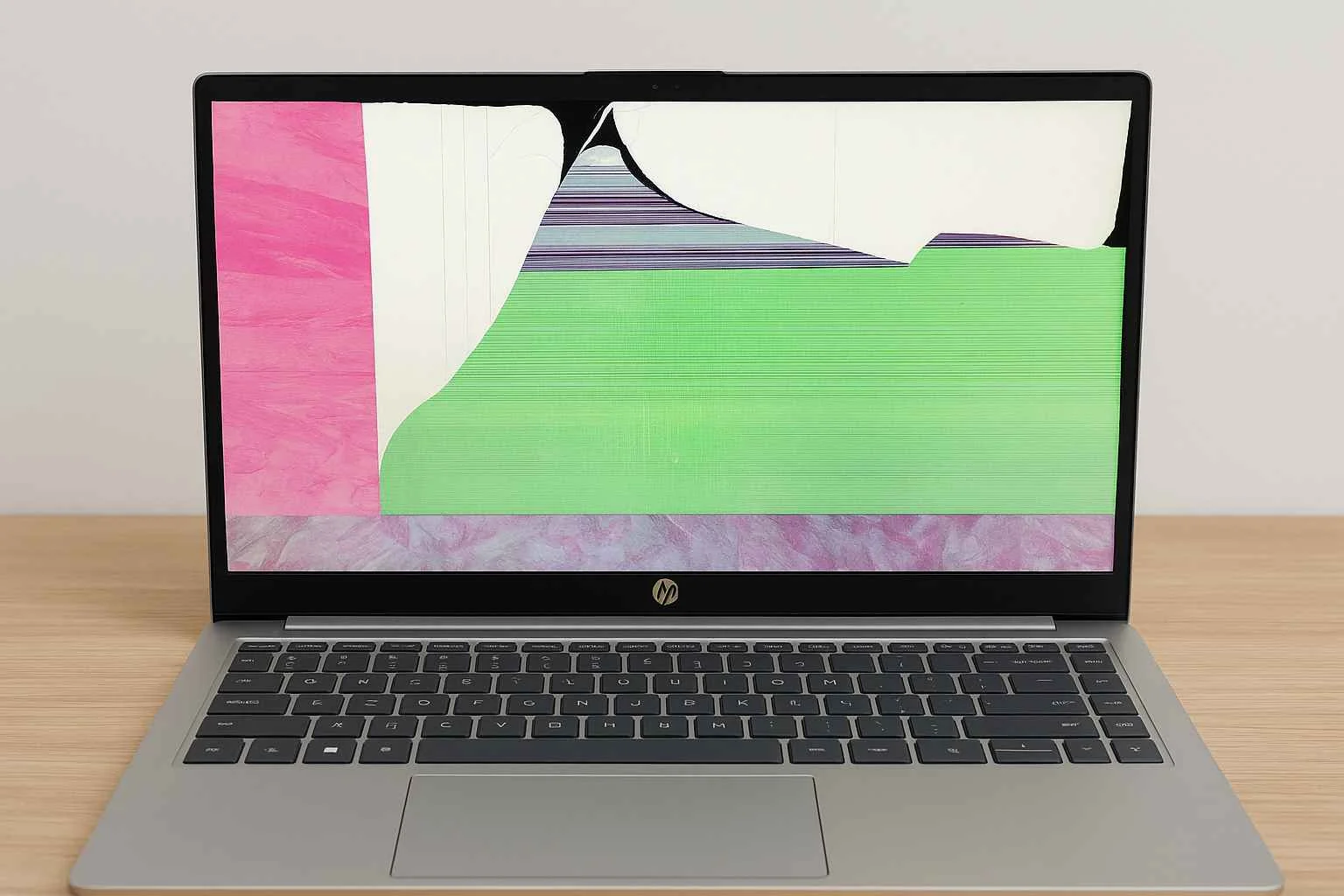
Laptop screen replacement cost can vary depending on your laptop model, screen type, and part availability. In this guide, we explain typical price ranges, what affects the cost, and how to get an accurate quote before booking a repair. If your screen is cracked, flickering, dim, or completely black, this will help you understand what to expect.
Typical Laptop Screen Replacement Cost
Most laptop screen replacements fall between $260 and $450+, depending on the exact screen type.
As a general guide:
Standard non-touch (common laptops): usually from $260–$350
Touchscreen / 2-in-1 laptops: often $380–$420+
Gaming / high refresh / QHD/4K screens: commonly $360–$450+
MacBook screens: typically from $500+ (model dependent).
The fastest way to get an exact quote is to send your full laptop model number. Many screens look similar but use different part numbers.
What Makes One Screen $260 and Another $450?
Laptop screens aren’t priced “just by size.” The cost usually changes because of:
Screen size + resolution
Bigger screens usually cost more (13.3″ vs 15.6″ vs 17.3″)
Higher resolution screens (FHD vs QHD vs 4K) cost more and often require exact matching
Touch screen vs. non-touch
Touchscreens include extra layers/digitiser hardware. That’s why they usually cost more than standard panels.
Refresh rate ( Gaming Screens)
Screens like 120Hz / 144Hz / 240Hz often need exact part-number matching. Using the wrong panel can cause no display, flicker, or brightness issues.
Brand/model design ( and how hard it is to fit)
Some models take longer to disassemble (thin bezels, glued assemblies, fragile frames). That can affect labour.
Why Some Screen Repairs Cost More Than Expected
Not every display problem is caused by the screen panel itself. In some cases, faults such as backlight issues, display cable damage, hinge damage, or liquid damage can affect the final repair cost or change the type of repair needed.
That is why an accurate quote is usually based on the exact laptop model and a proper inspection.
DIY vs Professional Screen Replacement (What Most People Don’t Realise)
DIY can work if:
- you already know the exact panel part number
you have the right tools
you’re okay with risks (cracked bezel, torn cable, wrong panel)
Professional repair is usually better because:
the screen is matched correctly (resolution, connector, mounting tabs, refresh rate)
you get a warranty on the fitted screen
less risk of extra damage (hinges, lid, cable)
If your laptop is a premium model, touchscreen, gaming laptop, or MacBook — professional replacement is usually the safer option.
When Screen Repair Might Not Be Worth It
Sometimes the honest answer is: don’t spend the money.
Consider replacing the laptop if:
the laptop is very old / low value and repair cost is close to replacement value
the hinges/frame are damaged and will keep breaking screens
there are other major issues (battery + motherboard + screen)
A good shop will tell you this upfront.
What to Look for in a Laptop Screen Repair Service
Reputation & Reviews
Check recent Google reviews and look for consistent feedback about communication, speed, and quality. A good shop will respond professionally if a customer has a problem.
Clear Warranty (Parts + Labour)
A reputable repair service should offer a warranty on the fitted screen and workmanship. Always ask what’s covered (dead pixels, backlight issues, touch function, etc.).
If your device is still under warranty, check the manufacturer’s service options first (Apple Support or Microsoft Surface service) before booking a repair.
Apple Support → Apple’s support/service page
Microsoft Surface service → Microsoft Surface repair/service page
Transparent Pricing (No Surprises)
You should get a clear quote before work starts. Screen pricing can change a lot depending on resolution, connector type, and refresh rate — so a proper quote should be based on the exact model/panel.
Turnaround Time
Most common laptop screens can be replaced same day or next day if the part is in stock. If the screen needs ordering, the shop should tell you the expected ETA upfront.
Correct Part Matching
The biggest “cheap repair mistake” is fitting the wrong screen. A good shop verifies the panel part number (especially for Surface, touch, QHD/4K, and high-refresh gaming screens).
Extra costs to ask about ( so you don’t get caught out)
Diagnostic fee: Many shops waive this if you proceed with the repair (ask before booking).
Hinge/bezel damage: If hinges are tight or the lid is bent, it can crack the new screen later — better to identify this before fitting a new panel.
Express service: Same-day/rush service can cost extra for uncommon models or urgent parts sourcing.
Tip: The fastest way to get an accurate quote is to send your full model number (photo of the bottom label) — or bring it in so we can confirm the exact panel type.
How to Get an Accurate Laptop Screen Replacement Quote
To give an accurate quote, most repair shops will need one of the following:
• the full laptop model number
• a photo of the screen damage
• in some cases, the laptop checked in person
This is especially important for touchscreen laptops, gaming laptops, high-refresh screens, and models with multiple panel options.
For the most accurate quote, send your full laptop model number and a clear photo of the screen damage if possible.
If you are ready to book a repair, visit our laptop screen replacement service page.
For Apple pricing, see our MacBook screen replacement page.
FAQ: Laptop Screen Replacement Cost
How much does it cost to replace a laptop screen?
Prices vary depending on the laptop model and screen type. Basic screens usually start from around $260, while touchscreen, gaming, and premium models can cost more. MacBook screen repairs are usually higher again. Check the pricing guide above or contact us with your model number for a more accurate quote.
Why do some laptop screen replacements cost more than others?
The price can change depending on screen type, refresh rate, connector type, frame design, and how hard the laptop is to disassemble. Some models also have multiple compatible-looking panels, so exact part matching matters.
Is it worth replacing a laptop screen?
In many cases, yes. Screen replacement is often worth it when the laptop is otherwise working well and the repair cost is reasonable compared with the value of the device. For very old or badly damaged laptops, replacement may not always be the best option.
Can a laptop screen be repaired without replacing it?
Usually, cracked or physically damaged screens need replacement rather than repair. Some display problems, such as loose cables, backlight faults, or motherboard-related issues, may have a different fix.
Does a touchscreen cost more to replace?
Yes, touchscreen laptop screens usually cost more to replace than standard non-touch screens because they include extra layers and often require more exact parts matching.
Do gaming laptop screens cost more to replace?
Often yes. Gaming laptop screens can cost more because they may use higher refresh rate panels, special connectors, or more expensive display assemblies.
How do I get an accurate laptop screen replacement quote?
The best way is to provide the full laptop model number and, if possible, a photo of the damage. This helps identify the correct screen type and reduces the chance of pricing the wrong part.